Custom 3D Design Tools for Repeat CAD Work
Replace repeated file editing with a controlled browser tool built around your products, parameters, and production rules.
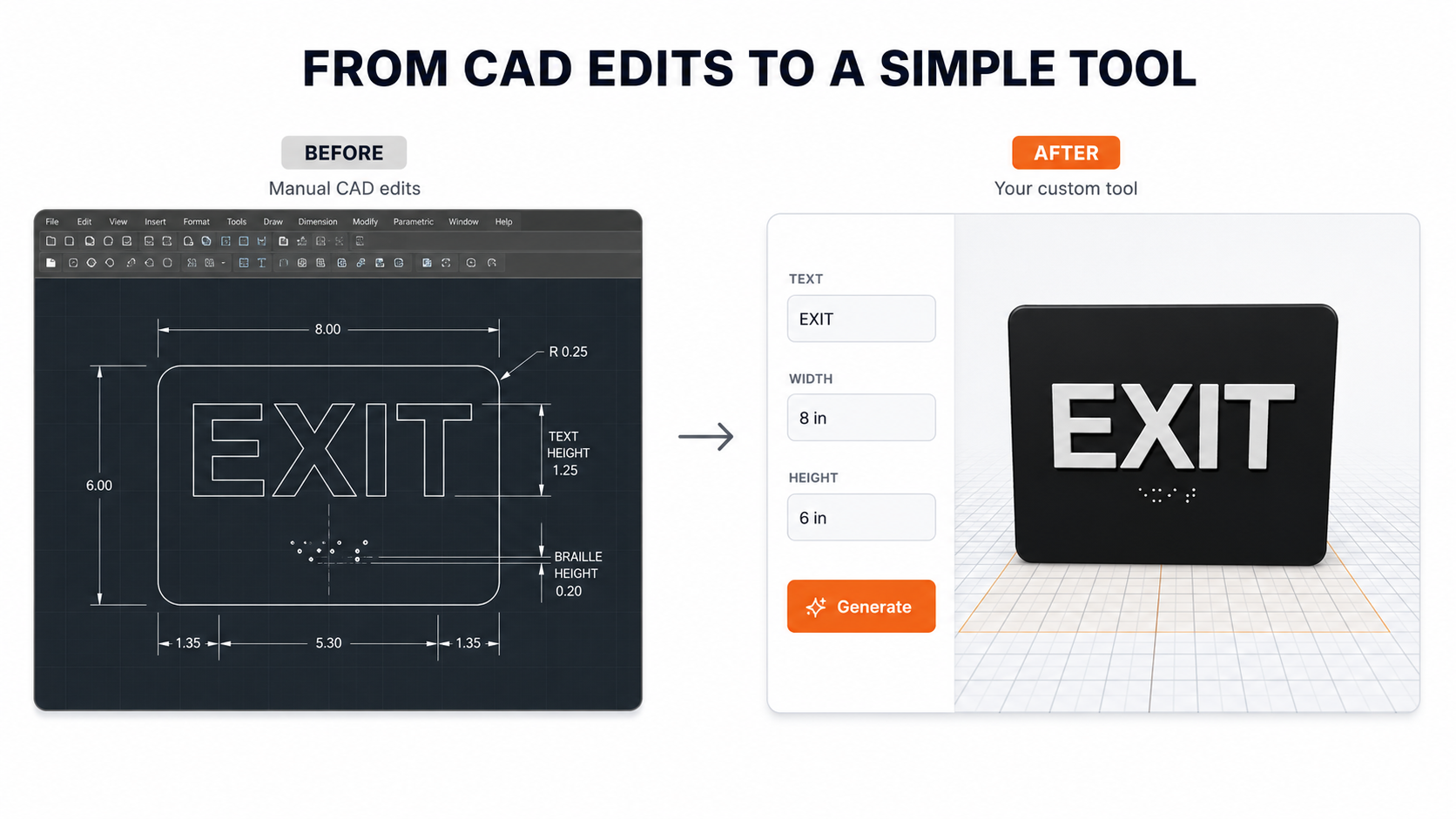
How it works
Send us the job. We build the tool. Reuse it whenever you need — save time, stay customizable.
Share Your Model
We Build Your Tool
We turn your repeat design into a set of rules — width, height, text, material — anything you need to change.
Generate Your Model
Examples of tools already built with 3D Customize
These are public examples — your private tool would work the same way, tailored to your product.
Which fits your workflow?
Start free, add a custom tool when you have a repeat job, or run an entire team portal.
Free Design Tools
For customers using generic 3D Customize generators.
- Access to public tools
- Nameplates, QR tags, pet products
- Future standard tools included
Custom Tool Setup
One repeat product or workflow, turned into a private tool.
- One-time custom tool build
- Appears in your private portal
- Live preview + downloadable files
Business Tool Portal
For teams, repeat production, fixtures, labels, and business workflows.
- Multiple private tools
- Saved designs & updates
- Priority support · future team access
What repetitive work can we simplify?
Tell us about the repeat job. We'll follow up within one business day with scope, timing, and a quote to build your private tool.